Mastering Termino in Minutes
Accelerate your harness visualization engineering workflow with this compact guide.
Need Direct Support?
Have custom harness schemas or complex pin-mapping rules? Our team is standing by.
Contact Engineering Support →1Step-by-Step Quick Start
1. Download and Install
- Get the application via the Download Page.
- No dataset yet? Download our pre-configured templates & examples to explore the system instantly.
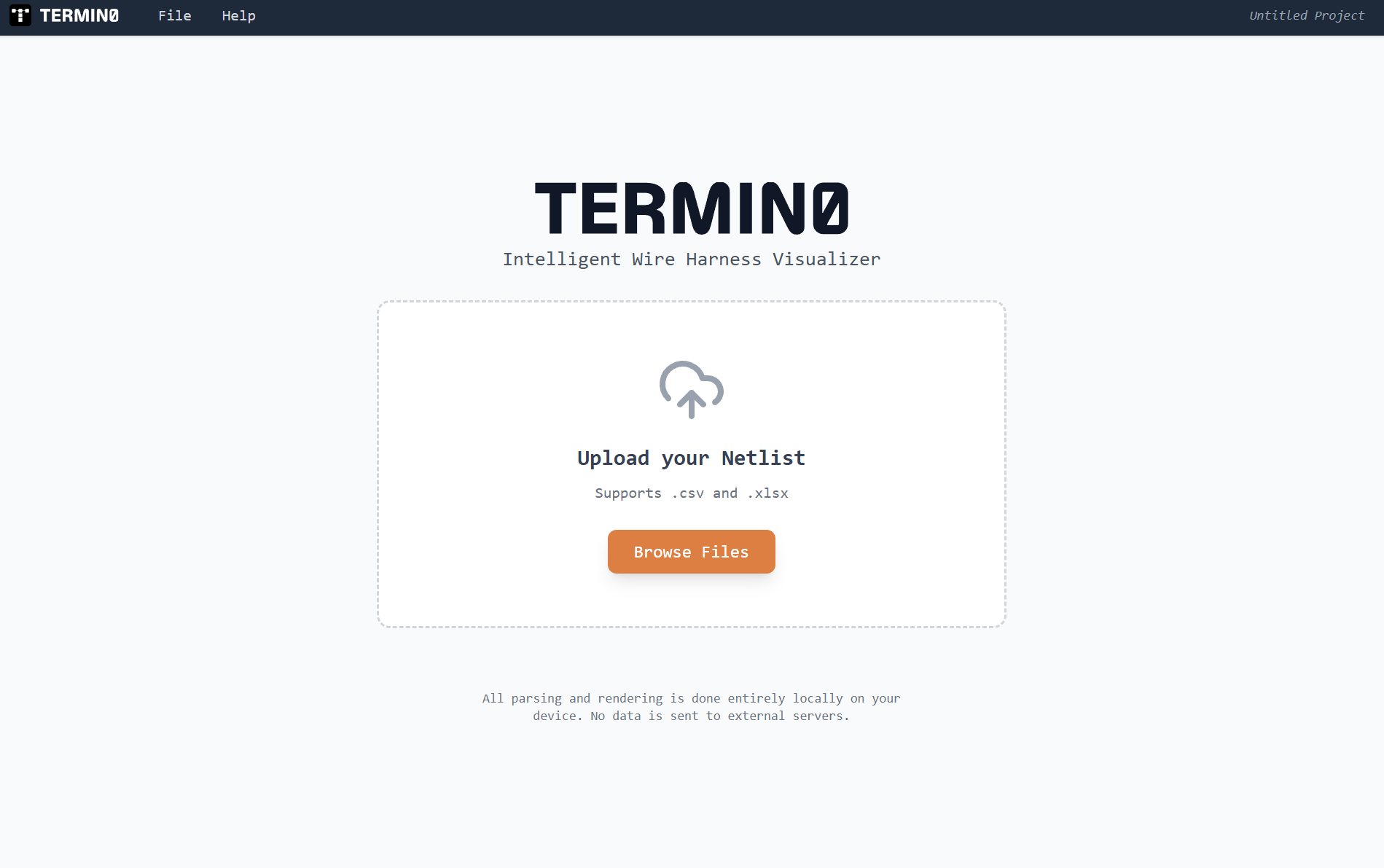
Expand Image
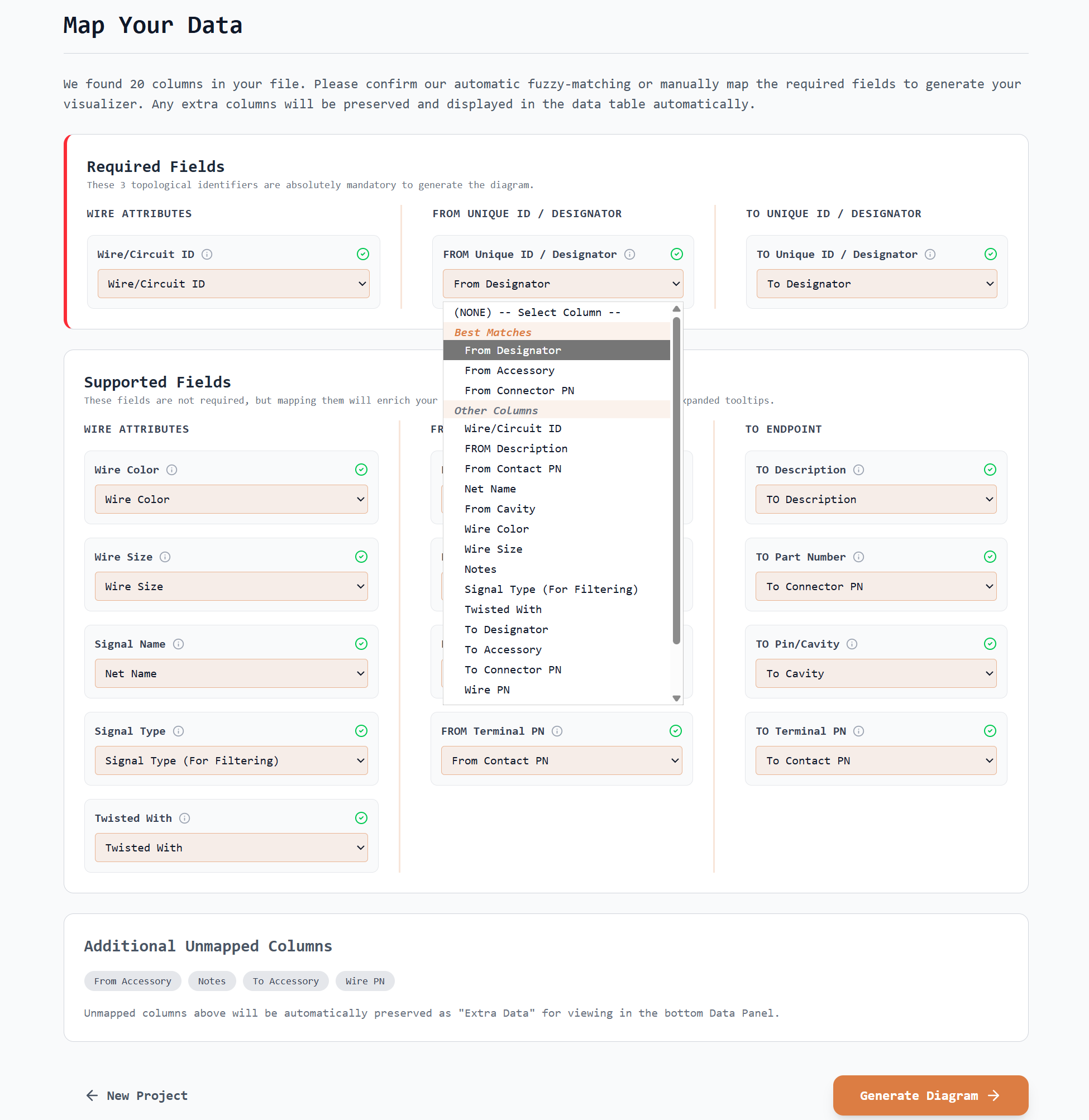
2. Import your Wiring Harness Dataset
- Launch the program and upload your wirelist spreadsheet.
- Our intelligent fuzzy-matching engine automatically maps your column headers to key diagram attributes.
- Verify auto-detected mappings and adjust any columns prior to finalizing.
- Click Generate Diagram.
Expand Image
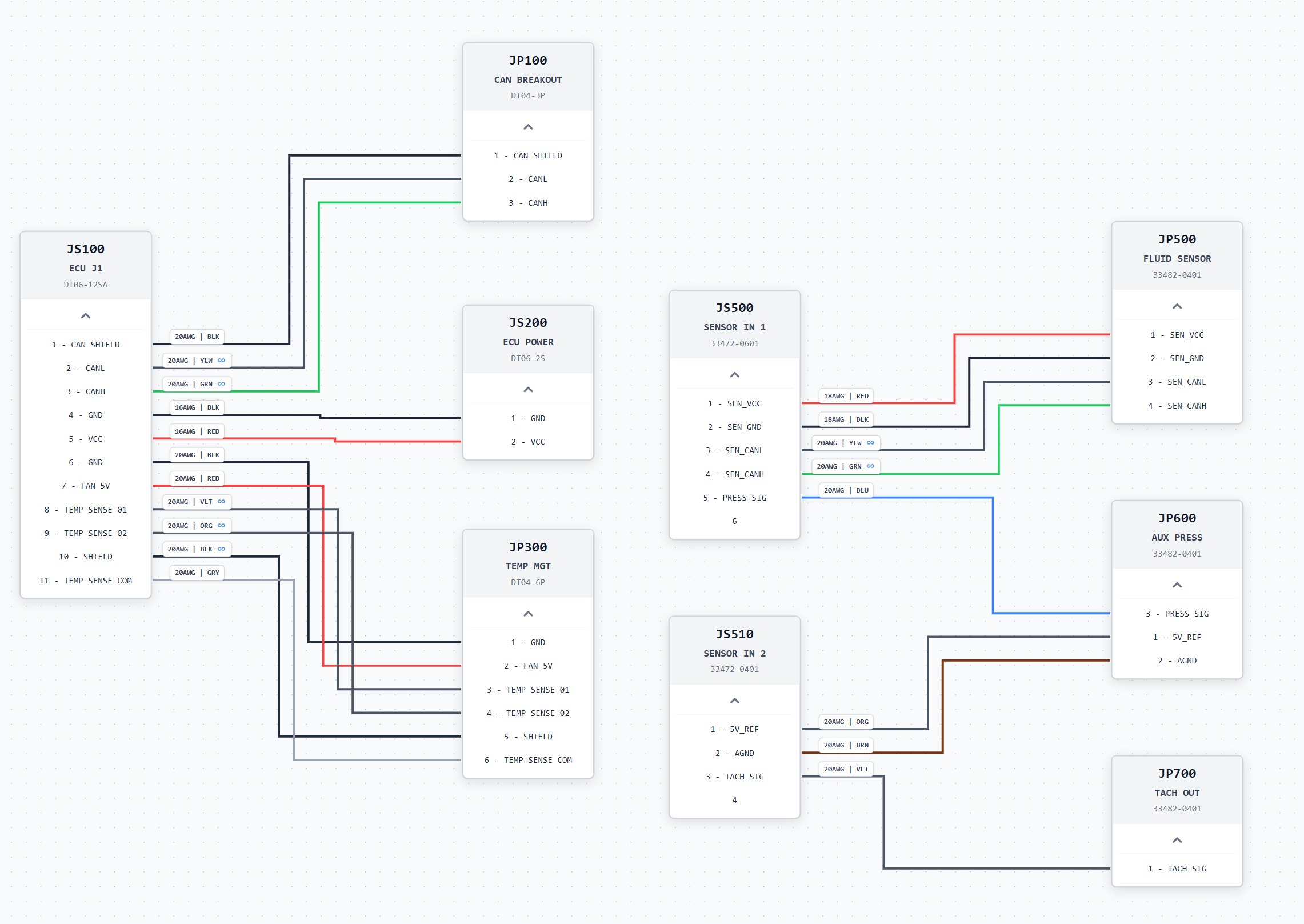
3. Navigate and Edit your Diagram
- Termino generates a complete, clean harness drawing on the canvas instantly.
- Drag-and-drop connectors freely; Manhattan routing recalculates connections around obstructions automatically.
- Hover over UI elements for tool-tips or hit the in-app "How To" help menu for reference.
Expand Image
4. Generate Documentation Exports
- In the top menu bar, click Export to open the drop-down menu.
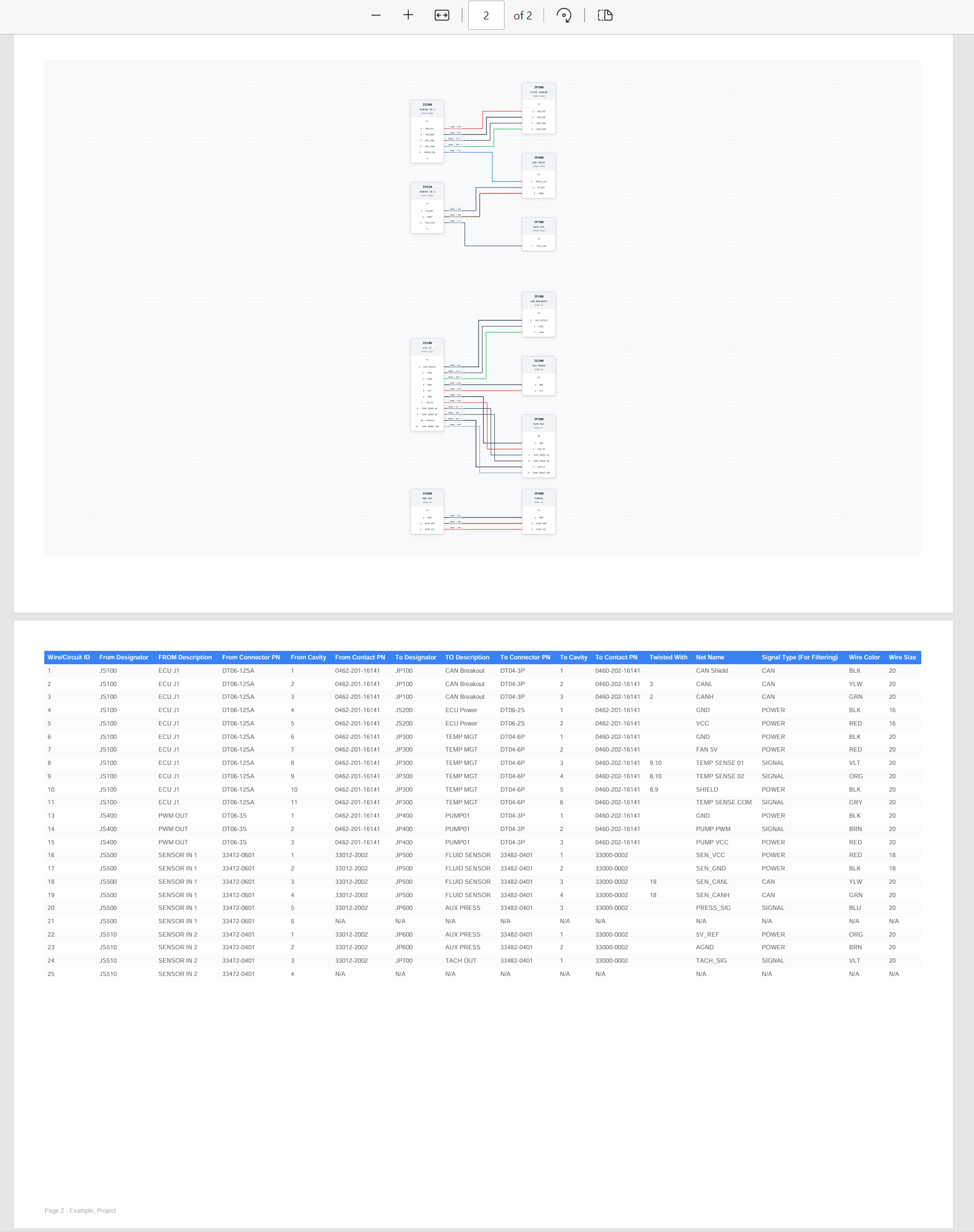
- Select Export Build PDF to generate a static PDF drawing that contains the wiring diagram along with the data table.
- Select Export Web Viewer to bundle a fully interactive HTML viewer for sharing offline with partners and vendors.
- Select Generate BOM to auto-export a Bill of Materials .csv file based on your current design
Expand Image
Figure 1.3: Blueprint-perfect vector drawing PDF exports
2Core Features (All Tiers)
- 📐Automatic Orthogonal Routing: 90-degree Manhattan routing algorithm recalculates wire paths to avoid overlaps and node collisions.
- 👁️Single Line Diagram Mode: Collapse complex multi-conductor cables into neat bundles for a high-level visual summary of your entire harness design.
- 💡Dynamic Highlighting: Hovering or clicking any wire segment or connector pin instantly glows its entire electrical pathway and dims others.
- 🧩Auto-Layout: Automatically organize connectors and splices using a custom Sugiyama-style engine. Isolates independent subsystems, reduces wire-crossings and dynamically staggers high-density layers to minimize visual clutter.
- 🧹Routing Clean-up: Trigger instant recalculations to clean up canvas aesthetics and bypass layout changes on the fly.
- 🏷️Customizable Wire Annotations: Overlay critical specifications (gauge, color, length, and twisted-pair icons) directly onto wire routes.
- 📊Configurable Data Panel:Expand a configurable bottom table to inspect wire properties, reorder headers, and apply column-level sorting instantly.
- 🔍Subsystem Filtering: Find and isolate targets instantly by searching for parts/nets or ticking specific signal types in the sidebar.
3Advanced Features (Plus & Pro)
Plus Tier Features
- ♾️Unlimited Wires per Project: Design large-scale harness topologies containing thousands of circuits with no software limits or truncation.
- 📄Export Build PDF & Data Sheets: Export vector blueprints with integrated pinout sheets matching either the whole drawing or just a filtered subsystem subset.
- 💻1 PC Workstation License: Register and authorize your Plus license subscription on a single PC.
Pro Tier Features
- 🖥️2 Workstation Licenses: Authorize your Pro license subscription across 2 PCs simultaneously.
- 🔄Continuous Source Data Re-import: Overlay spreadsheet changes mid-design; new connections route automatically while keeping your custom manual node placements pinned
- 📋BOM Report (.CSV) Export: Generate standard Bill of Materials lists including shell configurations, cavity seals, terminal part numbers, wire counts, and calculated lengths
- 🚨Intelligent Error Validation: Get dynamic warnings on loose pins, missing destinations, invalid connections, and gauge anomalies.
- 🌐Interactive Offline HTML Viewer: Export fully offline, interactive schematics. Partners can pan, zoom, highlight signal nets, and inspect columns in any web browser without installing Termino.